> For the complete documentation index, see [llms.txt](https://docs.bonkbot.io/llms.txt). Markdown versions of documentation pages are available by appending `.md` to page URLs; this page is available as [Markdown](https://docs.bonkbot.io/bonkbot/community-and-support/how-to-burn-tokens.md).
# How to Burn Tokens
Get Rid of Unwanted Tokens, Speed up your BONKbot & Reclaim Some SOL
## Do you have tokens you no longer want?
{% hint style="info" %}
**TL;DR**
To burn tokens, simply connect your Solana wallet to the Sol Incinerator, scan for burnable assets, and select the tokens you wish to burn. As a result of the burn, you might be able to receive some SOL back in your wallet.
**Be careful—this process is irreversible once confirmed!**
{% endhint %}
### Preparing to Burn Tokens
Before burning tokens from your BONKbot wallet, follow these steps:
1. [**Export Your Wallet’s Seed Phrase**](broken://pages/dDyNr93ZSvCIsYFI0Me1) – Export the Seed Phrase from your BONKBot.
2. **Import Your Wallet into a Browser Extension** – Use a Solana-compatible wallet like Phantom or Solflare.
3. **Go to Sol Incinerator & Connect Your Wallet** – Visit the platform and get started.
***
### What is Sol Incinerator?
For those unfamiliar, **Sol Incinerator** was launched in 2021 by the team behind **Sol Slugs**, a deflationary NFT collection with a built-in token-burning mechanism. It is a **Solana-based decentralized application (dApp)** that allows users to burn unwanted tokens, NFTs, and even **Solana domain names (SNS)** to free up space in their wallet and potentially recover SOL.
***
## How to Use Sol Incinerator?
Once you have restored your BONKBot wallet on a wallet extension, follow these steps to burn your tokens:
### Step 1: Connect Your Wallet
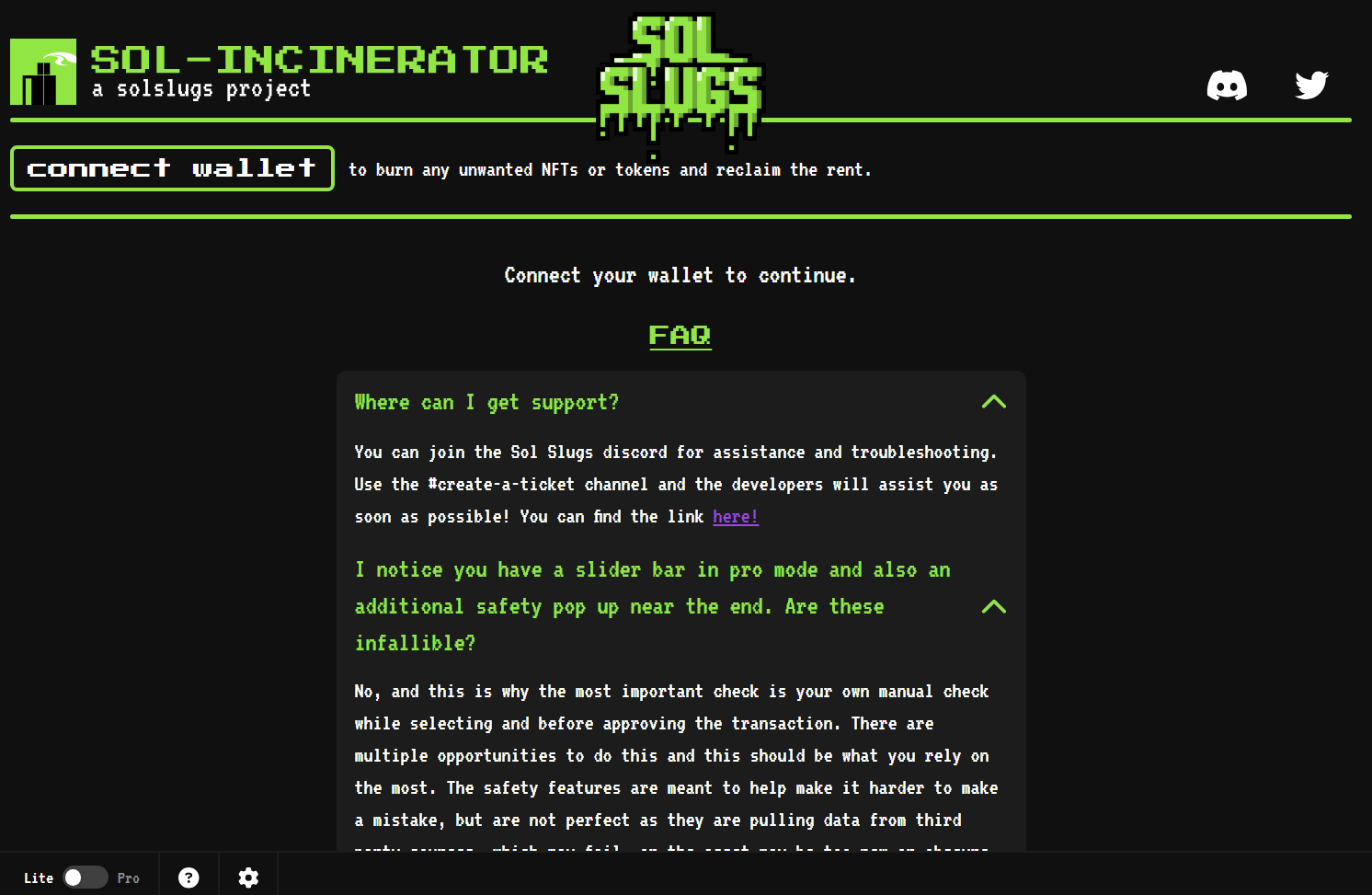
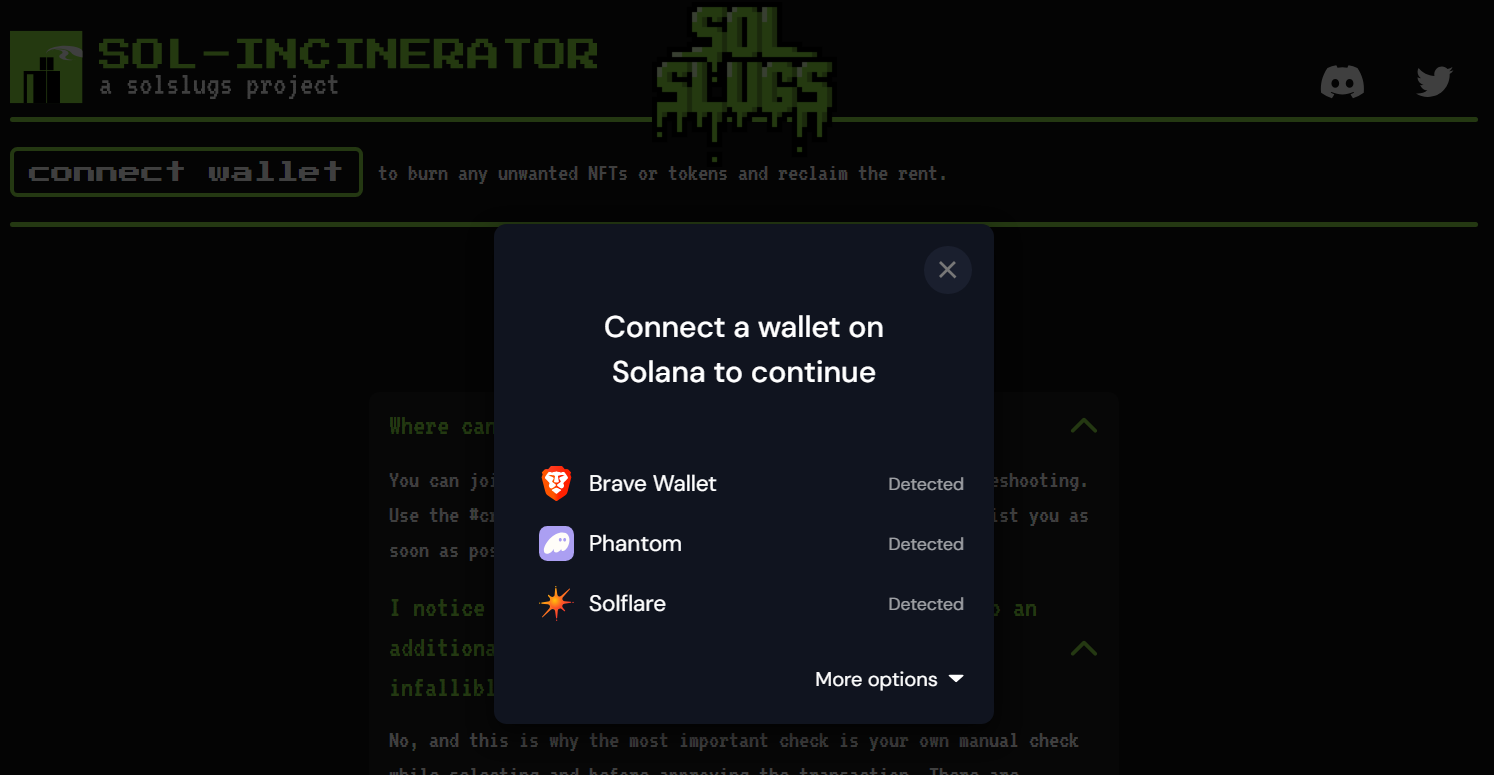
* Visit [Sol Incinerator](https://sol-incinerator.com/) and connect your **Solana wallet** (e.g., Phantom, Solflare).
### Step 2: Scan for Burnable Assets
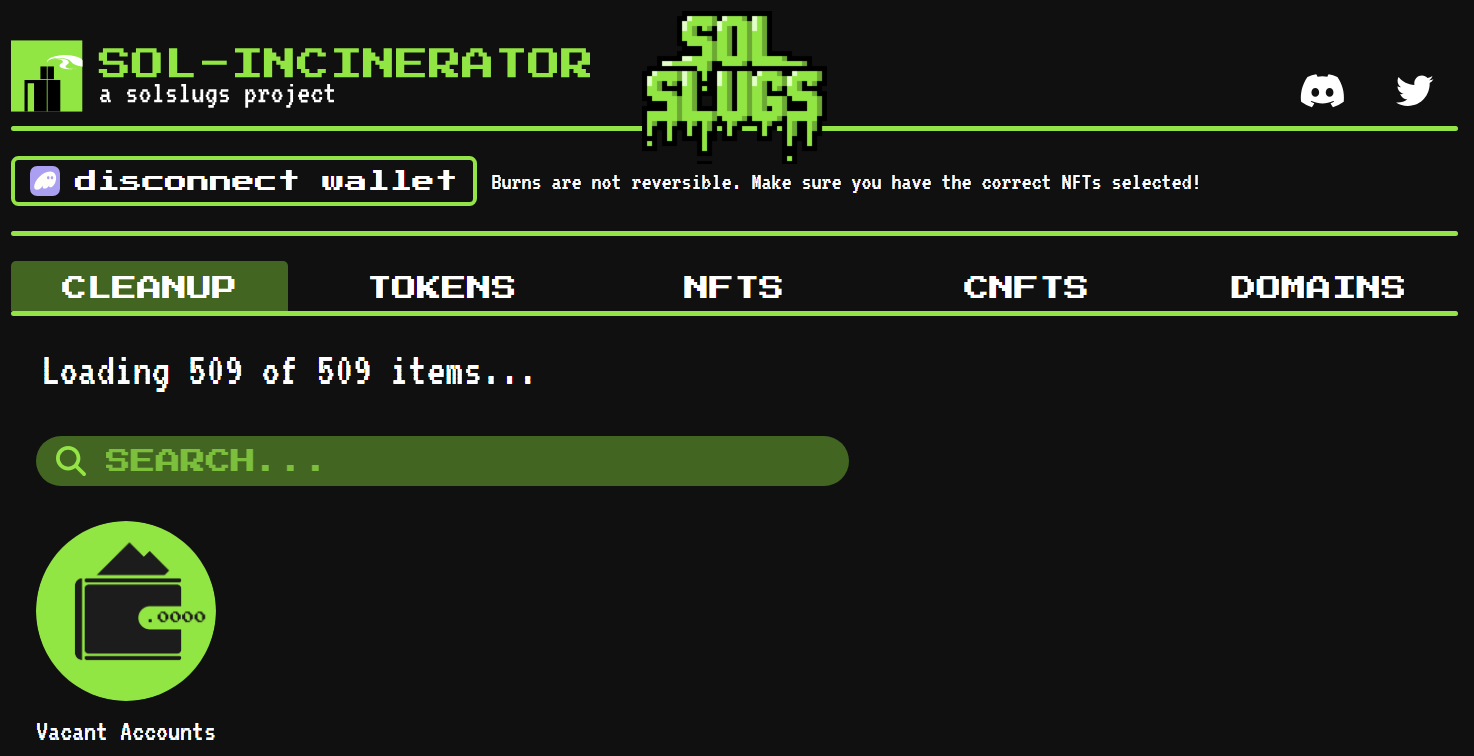
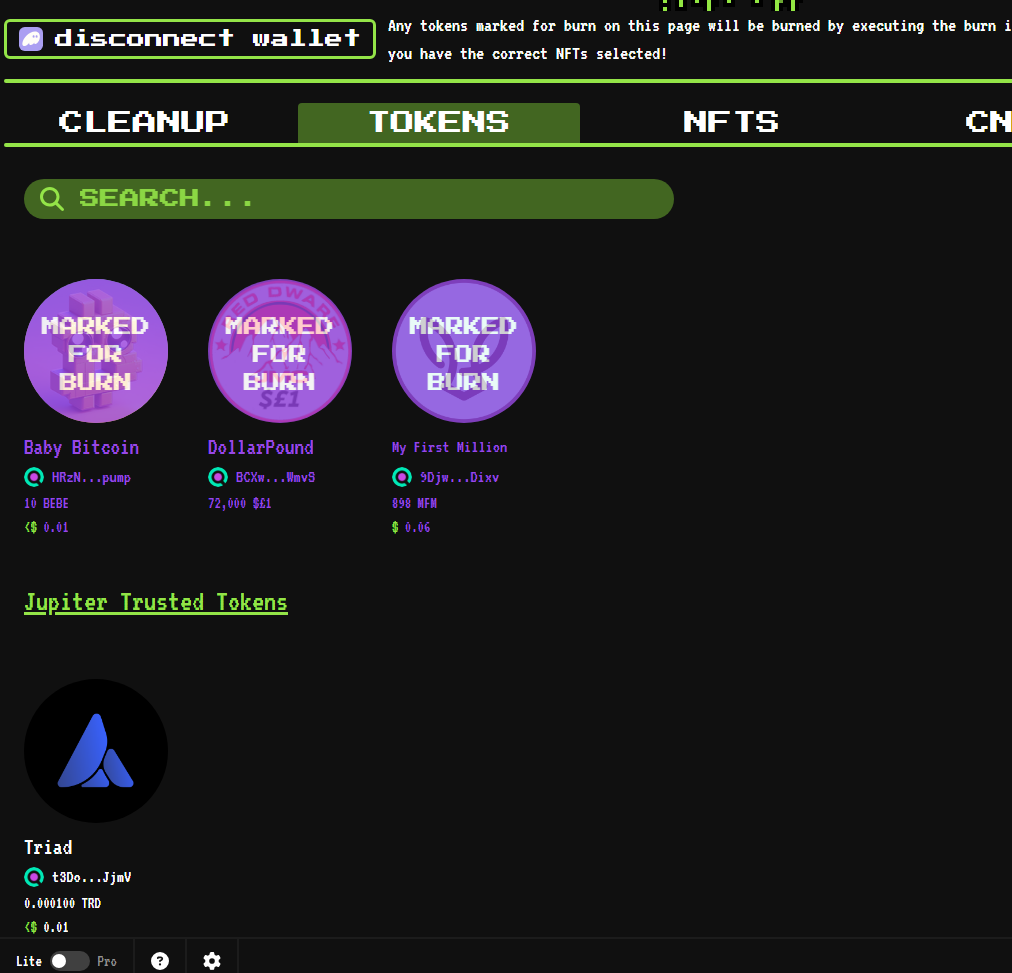
* The dApp will **automatically detect** eligible tokens, NFTs, or domain names that can be burned.
### Step 3: Select the Assets to Burn
* Review the list and **carefully choose** the tokens you want to burn.
### Step 4: Check SOL Reclaim Estimate
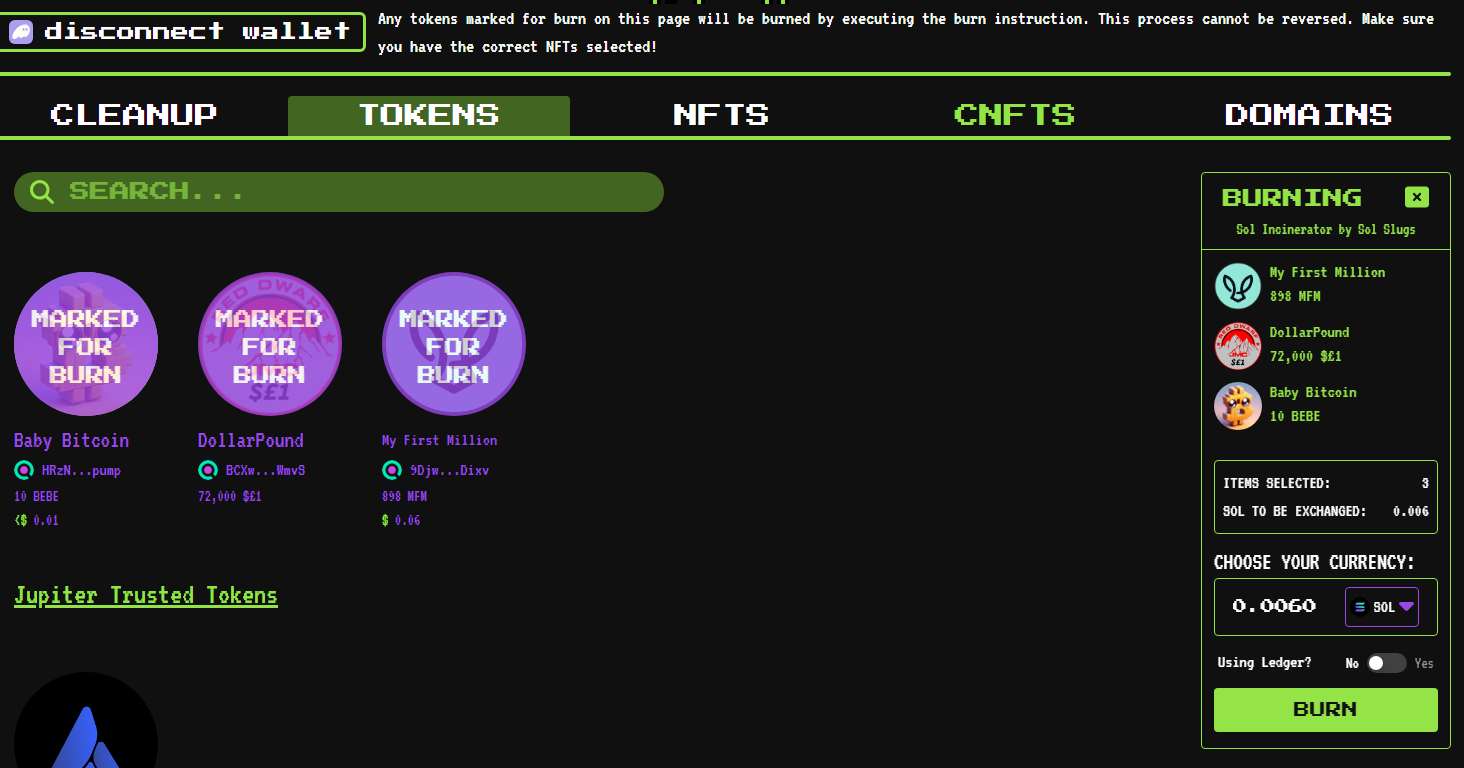
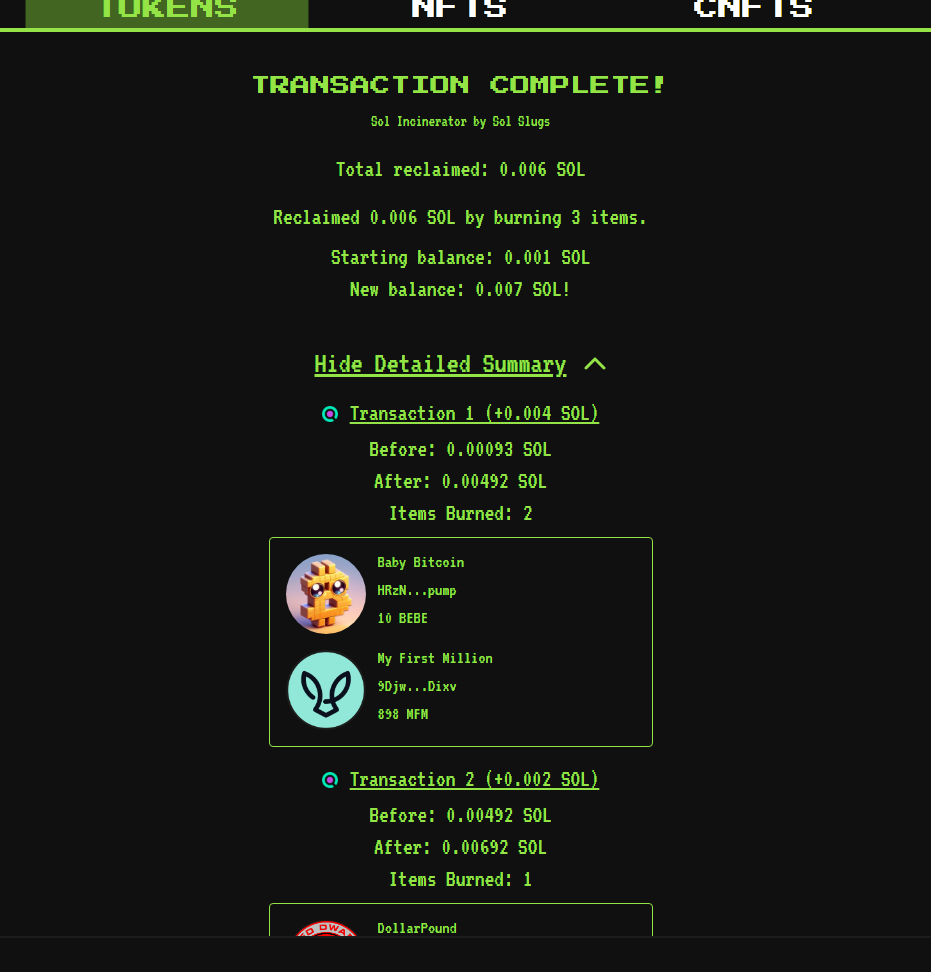
* Sol Incinerator will calculate the **amount of SOL** you might receive in return. Click on **Burn**.
### Step 5: Confirm the Burn
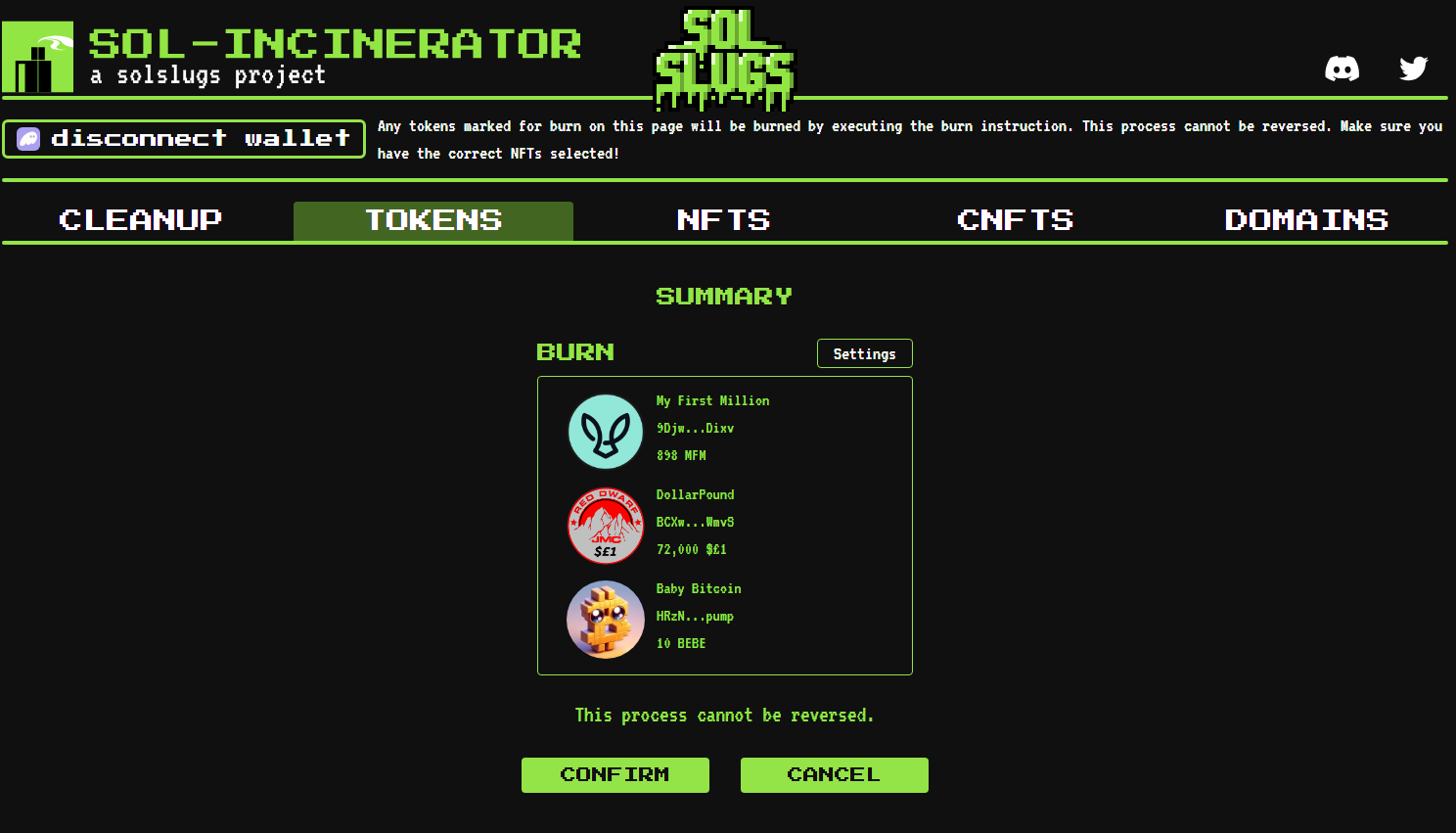
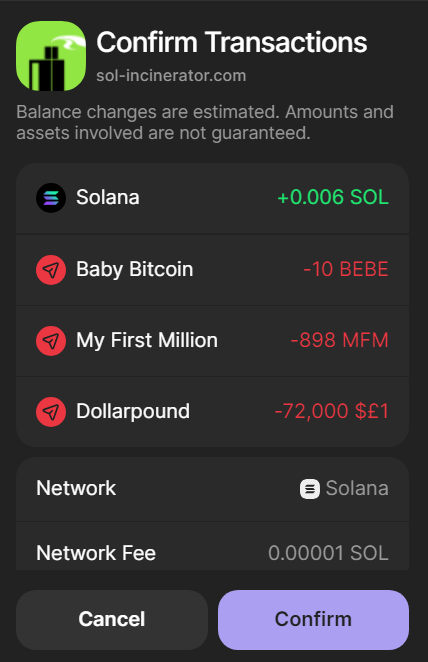
* You will get a summary of the token you wish to burn. Once you’re certain, click confirm and approve the transaction.
* **Be careful—this process is irreversible once confirmed. If you burn coins with real value you will never get it back!**
### Step 6: Receive SOL in Your Wallet
* After successful burning, any eligible SOL will be automatically sent to your wallet.
***
### Burnt All Your Unwanted Tokens?
Burning tokens is a great way to **clean up your wallet, reclaim some SOL,** and improve the overall health of the **Solana ecosystem**. Just **double-check before burning** to avoid mistakes.
Happy burning! 🔥