> For the complete documentation index, see [llms.txt](https://docs.bonkbot.io/llms.txt). Markdown versions of documentation pages are available by appending `.md` to page URLs; this page is available as [Markdown](https://docs.bonkbot.io/bonkbot/settings/minimum-position-value.md).
# Minimum Position Value
Filter out smaller or less relevant token positions in your BONKbot portfolio by setting a **Minimum Position Value**. This helps you focus on significant holdings and maintain a cleaner, more organized view of your positions.
### How It Works
1. **Navigate to General Settings**
* Access the *General Settings* in BONKbot.
2. **Adjust the Minimum Position Value**
* Set a minimum value threshold (e.g., $0.001, $10).
* Tokens with a position value below this threshold will be hidden from your portfolio view.
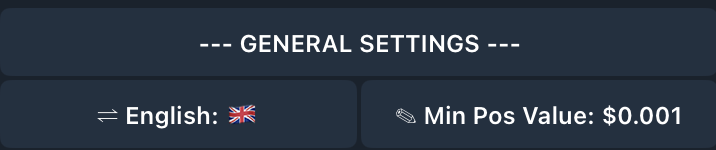
Min Pos Value is $0.001 by default
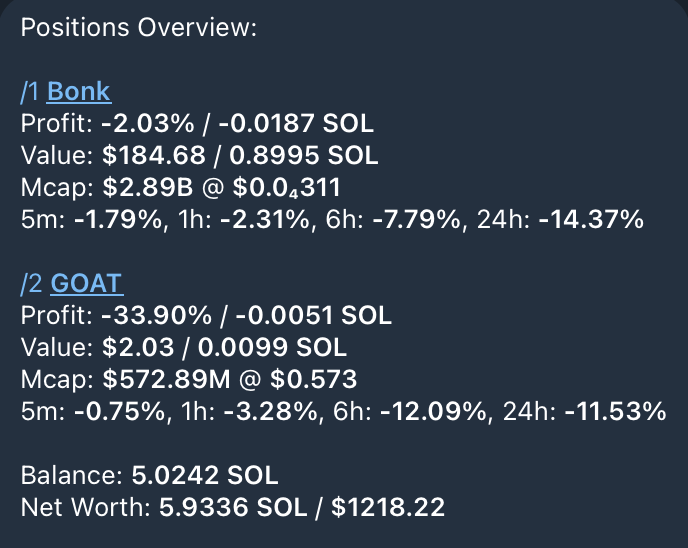
Since Min Pos Value is not set, dust bags are shown with larger positions
### Example with GIF:
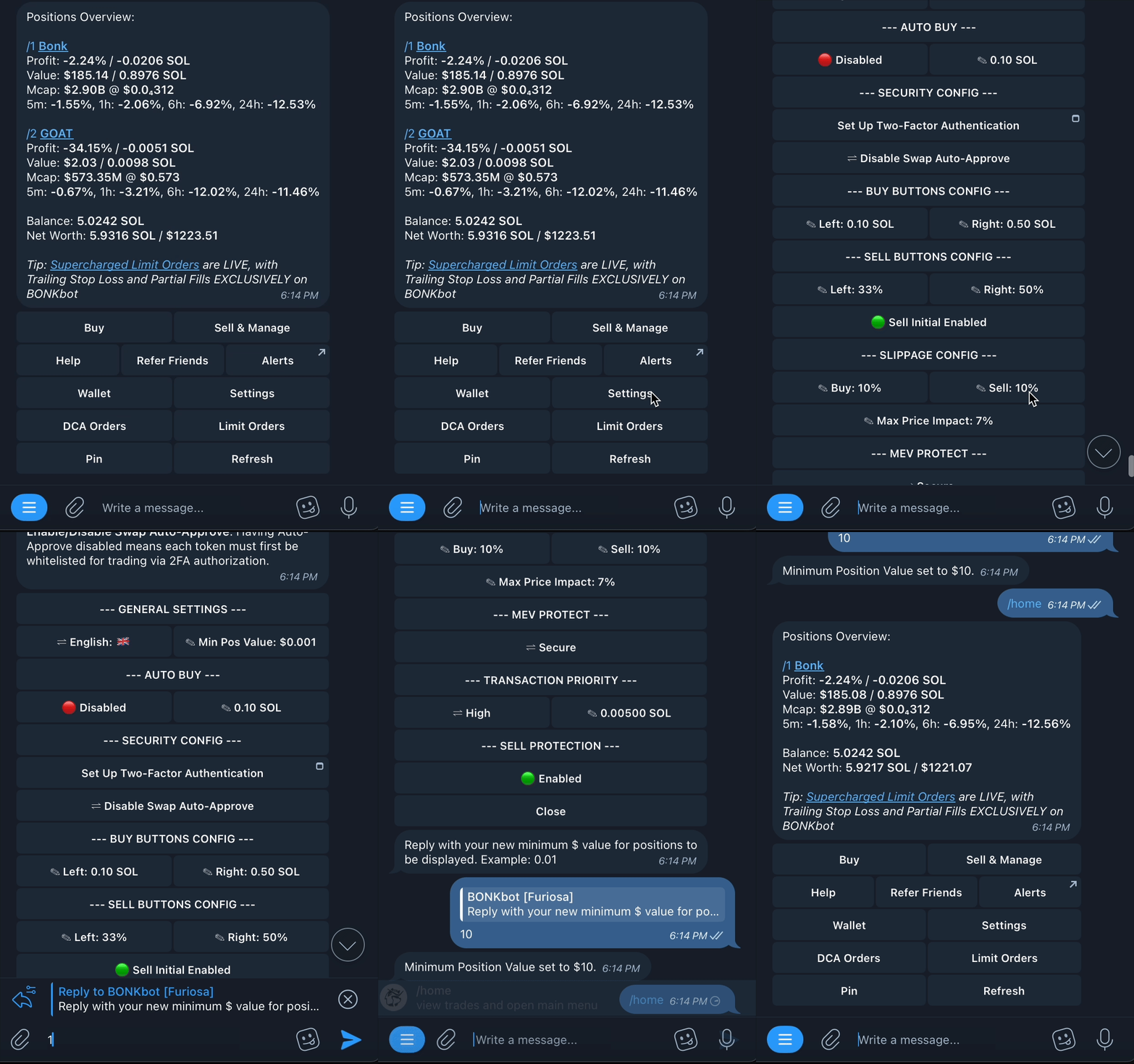
In this example. Min Pos. Value is updated from $0.001 to $10 USD. Once this update has been made, positions worth less than $10 (in this case, just one position, $GOAT) are hidden.
### Why Hide Tokens?
* **Clutter-Free Portfolio:** Hide small or unwanted positions.
* **Focus on Key Holdings:** Highlight significant investments.
* **Customizable:** Adjust the threshold to suit your preference.